AI Meal Photo Analyzer
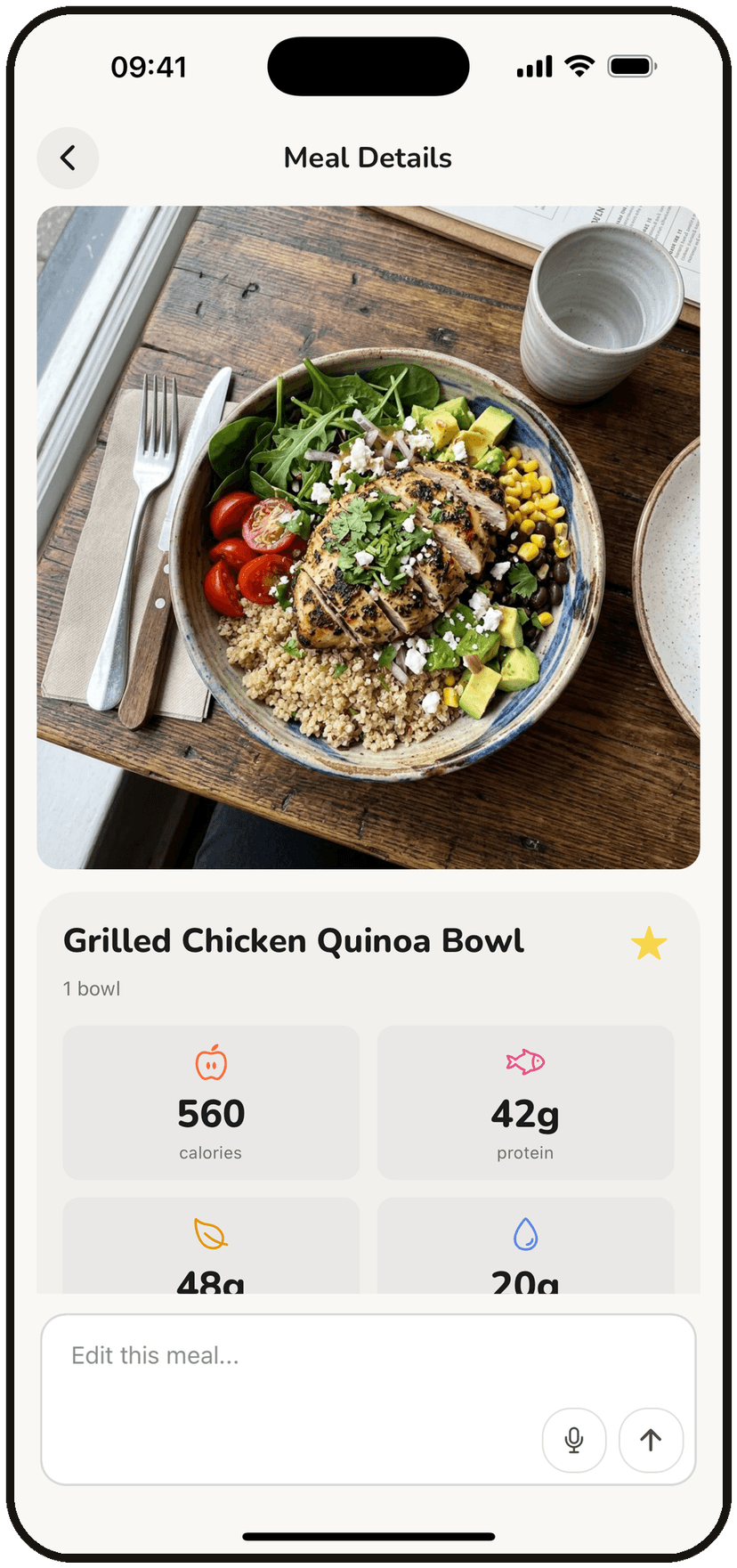
Upload a photo of your meal and get instant AI-powered calorie and macro estimates. Our advanced food recognition identifies individual items, estimates portions, and calculates nutritional values with confidence levels.
Drag and drop or click to select. Supports JPEG, PNG, WebP (max 10MB)
Click to upload or drag and drop
JPEG, PNG, or WebP
How AI Food Photo Recognition Works
Our AI-powered meal photo analyzer uses advanced computer vision technology to identify foods and estimate their nutritional content. Understanding how it works helps you get the most accurate results.
Food Detection
The AI scans your photo to identify individual food items. It recognizes thousands of foods from basic ingredients to complex dishes, using patterns learned from millions of food images.
Portion Estimation
Without a physical reference, portion estimation relies on visual cues and typical serving sizes. The AI estimates amounts based on apparent volume, plate coverage, and food density.
Nutrition Lookup
Once foods are identified, the system references comprehensive nutrition databases including USDA data to calculate calories, protein, carbs, fat, and fiber for each item.
Confidence Scoring
Each identification includes a confidence score. High confidence means the AI is certain about both the food type and portion. Lower confidence suggests verification may be needed.
Tips for Better Food Photos
The quality of your photo directly impacts the accuracy of calorie estimation. Follow these tips to get the most reliable results from the AI analyzer.
Use Good Lighting
Natural daylight or bright indoor lighting helps the AI see food details clearly. Avoid dark, shadowy, or overly bright photos with washed-out colors.
Shoot from Above
A bird's eye view (directly above the plate) shows all foods clearly and helps with portion estimation. Extreme angles can hide foods and distort apparent sizes.
Separate Your Foods
When possible, arrange foods so they don't overlap. Mixed or stacked foods are harder to identify and estimate. Clearly visible individual items get higher accuracy.
Include a Size Reference
Having a fork, standard plate, or your hand partially visible helps the AI judge scale. Without references, it uses typical plate sizes and serving assumptions.
Avoid Heavy Sauces & Toppings
Foods covered in sauces, gravies, or heavy toppings are harder to identify. If possible, take the photo before adding dressings, or note that coverage may affect accuracy.
Understanding Accuracy & Limitations
Photo-based calorie estimation is convenient but has inherent limitations. Understanding these helps you use the tool effectively as part of your nutrition tracking strategy.
Why Photo Estimation Has Margins
No Size Reference
A photo doesn't inherently show scale. What looks like a large portion might be a small plate, or vice versa. The AI makes educated guesses based on typical sizes.
Hidden Ingredients
Cooking oils, butter, sauces inside dishes, and ingredients mixed in aren't visible. A "simple" stir-fry might have significant hidden calories from cooking fat.
Preparation Variations
Grilled chicken looks similar whether it's plain or marinated in oil. The AI can't see preparation methods that significantly affect calories.
Food Density
Dense foods (nuts, cheese) pack more calories than lighter foods (vegetables) of the same apparent volume. Depth perception in photos is limited.
When Photo Analysis Works Best
Photo-based calorie estimation is a helpful tool in the right contexts. Here's when it's most useful and when you might want more precise methods.
Great For
- Quick estimates when eating out
- Getting a general sense of meal balance
- Learning about portion sizes visually
- Casual calorie awareness without strict tracking
- Meals with clearly visible, separate items
- Simple home-cooked dishes
Consider Text/Voice Instead
- Precise tracking for specific goals
- Complex dishes with many ingredients
- Foods with hidden cooking oils/butter
- When you know exact amounts used
- Packaged foods (use barcode scanning)
- Recipes you prepared yourself
Important Disclaimer
Photo-based calorie estimation is an approximation tool with inherent limitations. Results should be treated as estimates, not precise measurements. Actual nutritional content may vary based on:
- Preparation methods and cooking oils used
- Exact portion sizes and food density
- Hidden ingredients and seasonings
- Variations in recipes and food quality
- Image quality and food visibility
For medical, competitive, or strictly regulated dietary needs, consult with a registered dietitian and use more precise measurement methods.
Frequently Asked Questions
How accurate is AI food photo calorie estimation?
AI photo analysis typically has a 10-25% margin of error depending on image quality and food visibility. Simple, clearly visible meals achieve higher accuracy (10-15%), while complex or partially hidden foods may have 25%+ margin. Each result includes confidence levels.
What types of photos work best?
Photos with good lighting, taken from above (bird's eye view), with all foods visible and not overlapping work best. Avoid blurry images, extreme angles, or photos where foods are covered by sauces. Including a size reference like a fork can help with portion estimation.
What image formats are supported?
The analyzer supports JPEG, PNG, and WebP formats. Maximum file size is 10MB. For best results, use images with at least 320x320 pixel resolution. Higher resolution images may provide better detail recognition.
Why do confidence levels vary?
Confidence depends on how clearly each food can be identified. Common, unobstructed foods like grilled chicken or rice get high confidence (85%+). Mixed dishes, sauced foods, or partially hidden items get lower confidence. Items below 60% should be manually verified.
Can I analyze restaurant meals?
Yes, but accuracy may be lower for restaurant food due to unknown preparation methods, hidden ingredients, and portion variations. Restaurant portions are often larger than home-cooked meals and may contain more oil, butter, or sauces than visible.
What if the AI misidentifies a food?
Check the confidence level - low confidence items are more likely to be misidentified. For precise tracking, we recommend using BiteKit's text or voice input where you can describe exactly what you ate, including preparation details and exact portions.
Free app
You're likely eating 500 calories more than you think
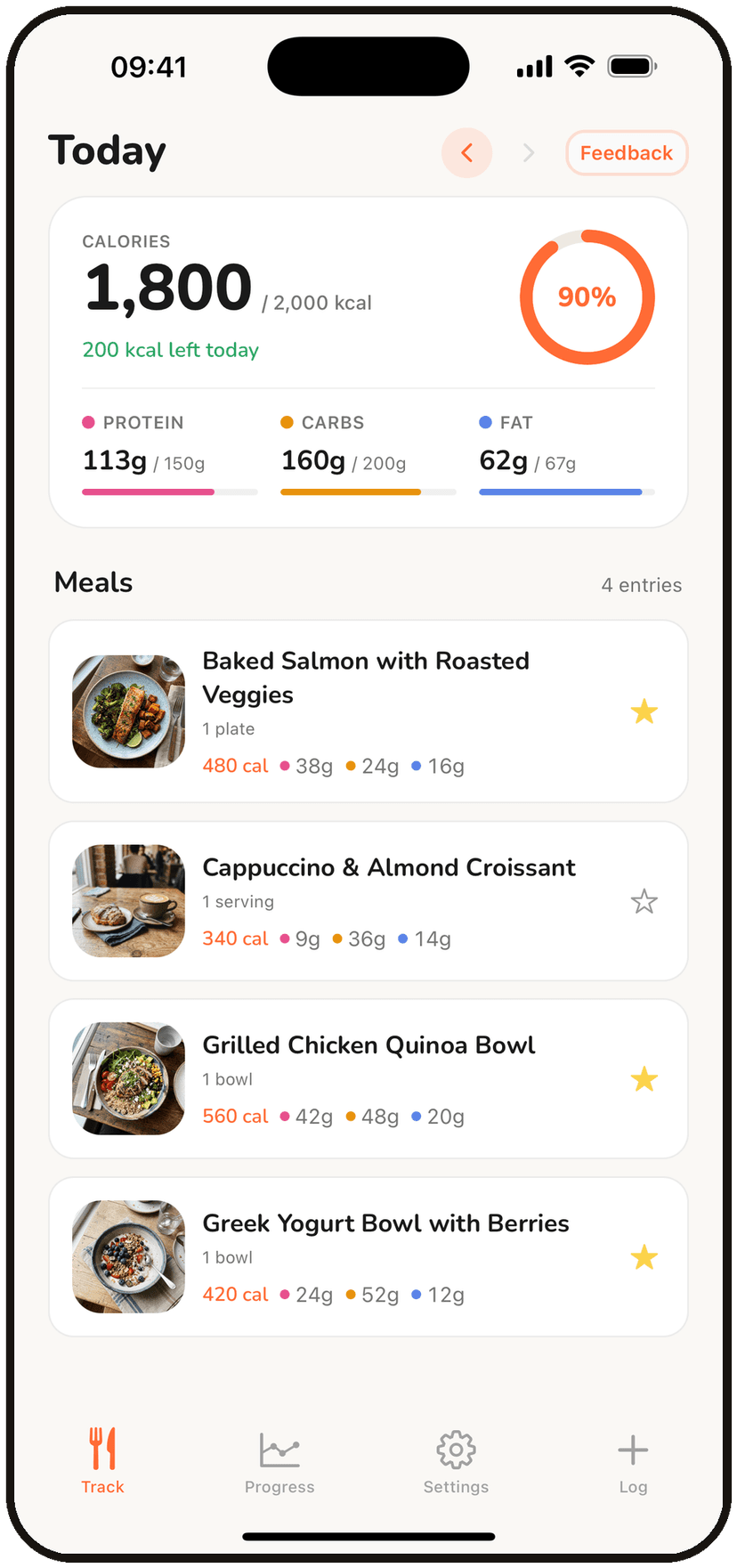
Portion guesses add up fast. BiteKit's AI reads your actual plate, so the number you track is the number you ate.
- Photo, voice, or text input
- Instant calorie & macro tracking
- Private by design — no password required
Free to download. No credit card required.
Scan to get the app