Top 12 Best Simple Food Journal App Options for 2026
Searching for a simple food journal app? Discover our top 12 picks for fast logging, macro tracking, and weight loss, including our top AI-powered choice.

Keeping a food journal is one of the most effective, evidence-backed strategies for achieving diet, fitness, and weight loss goals. A 2019 meta-analysis published in the journal Obesity found that self-monitoring, including dietary intake, was a significant predictor of weight loss success. However, the biggest barrier to consistency isn't motivation-it's friction. Clunky interfaces, endless database searches, and tedious manual entry can derail even the most determined efforts. The solution? A simple food journal app that makes logging fast, intuitive, and sustainable.
This guide cuts through the noise to analyze 12 of the best options available today, focusing on what truly matters: speed, accuracy, and features that support your goals without getting in your way. We'll explore how each tool aligns with scientific principles of behavior change and helps you find the perfect fit, whether you're managing calories, tracking macros for fitness, or simply building mindful eating habits.
Forget generic feature lists. For each app, you will find:
- Real usage insights and honest limitations.
- Actionable pros and cons.
- Direct links and screenshots to see the interface for yourself.
Our goal is to help you find the right simple food journal app to build lasting habits, not just to track a few meals. Let’s find the one that works for you.
1. BiteKit
BiteKit establishes itself as a premier simple food journal app by focusing on one critical area: removing the friction from meal logging. Its AI-powered input methods are its core strength, allowing you to document meals with a level of speed that traditional database-search apps cannot match. Whether you snap a photo of a complex dinner, speak a quick voice note, or type a natural-language entry, the app’s meal analysis engine does the heavy lifting.
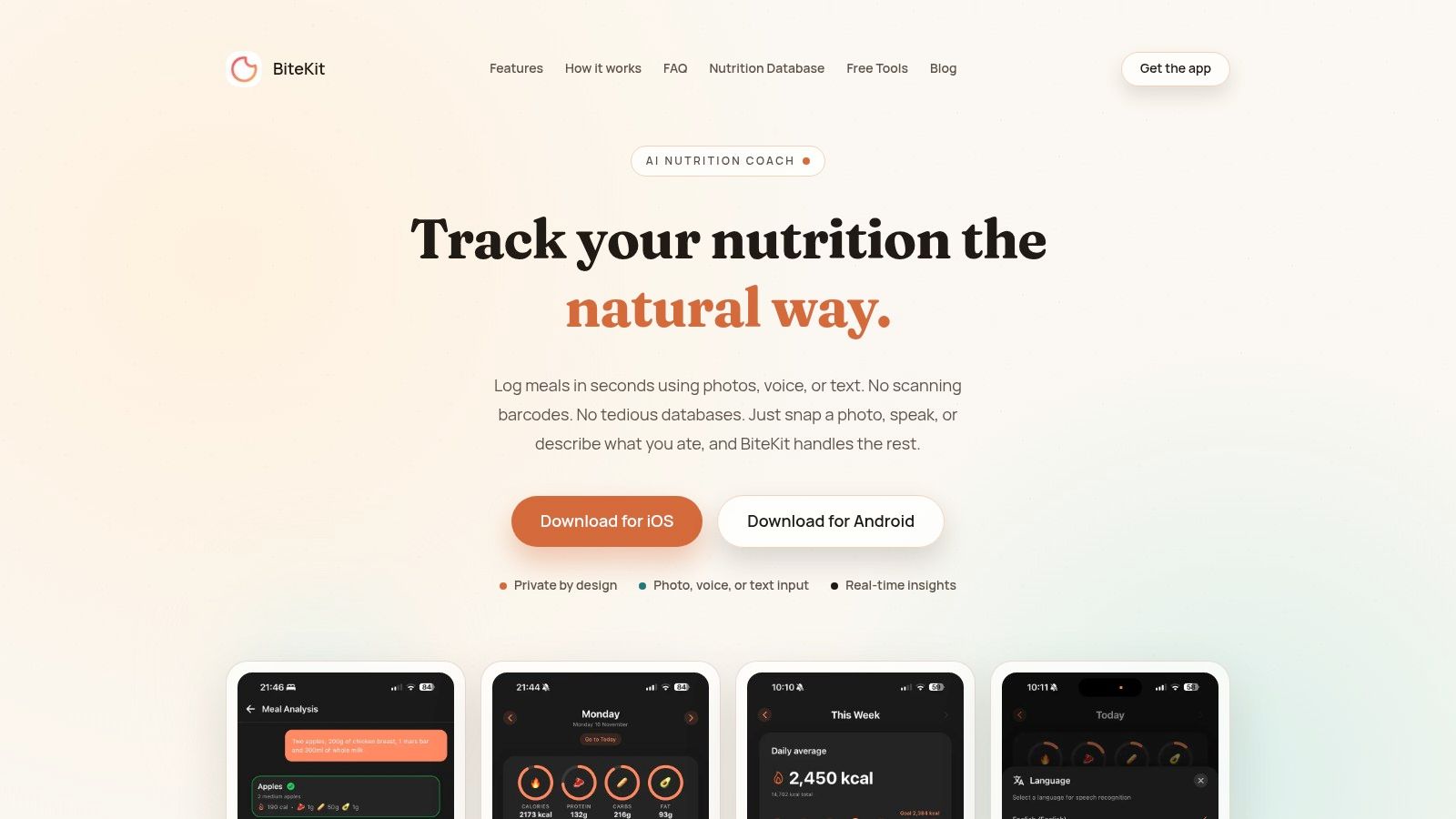
The platform is engineered for efficiency. It instantly identifies foods, estimates portion sizes, and breaks down the meal into calories, protein, carbs, and fat. This makes it an exceptional tool for anyone who values speed, from busy professionals to fitness enthusiasts fine-tuning their macros. The interface is clean and goal-oriented, featuring real-time progress bars that provide immediate feedback against your daily targets.
A major differentiator for BiteKit is its privacy-first design. It requires no user account, and all data is stored locally on your device. This approach ensures your personal nutrition history remains completely private. The app is available on both iOS and Android and is free to download. BiteKit also features an integrated blog with evidence-based articles covering topics like the psychology of weight loss, the science behind popular diets, and practical fitness tips, all designed to complement your tracking journey.
Key Details:
- Platforms: iOS, Android
- Price: Free
- Best For: Users who want the fastest possible logging experience without sacrificing accuracy.
Pros:
- Ultra-fast logging with photo, voice, or text inputs.
- AI-driven analysis provides instant calorie and macro breakdowns.
- Privacy-focused design with no accounts and local-only data storage.
- Clean, modern interface with visual progress bars and habit-building stats.
Cons:
- AI analysis requires an internet connection.
- Accuracy is highest when users specify portion sizes with their entries.
Website: BiteKit
2. FoodNoms
FoodNoms is a privacy-first, iOS-exclusive food diary that prioritizes speed and a clean interface. It stands out by integrating modern AI tools, allowing you to log meals simply by taking a photo or typing a natural language phrase like "a cup of coffee with a splash of milk." This makes it a great simple food journal app for users who want to reduce the time spent on manual data entry.
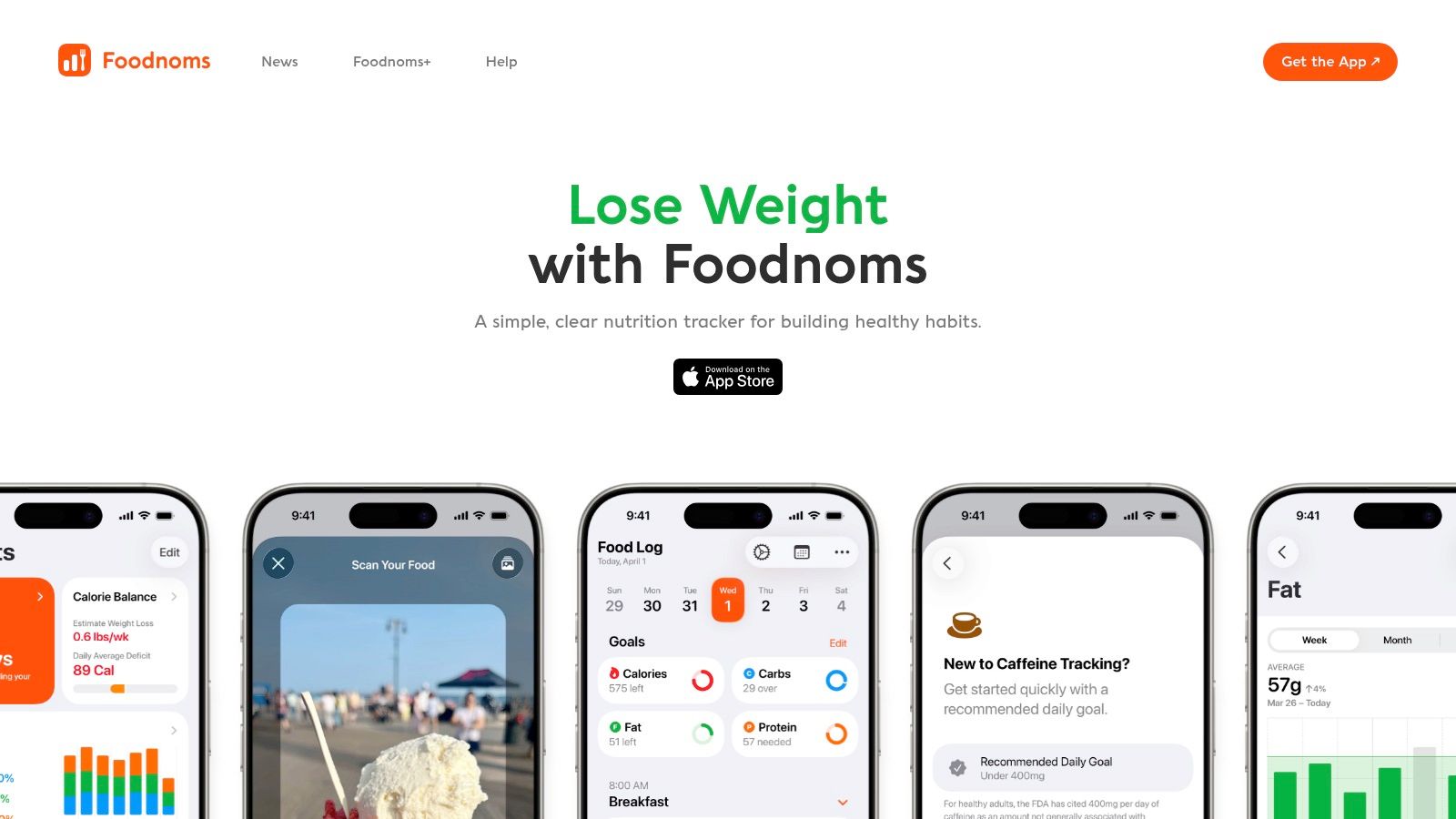
The app's design is minimal and ad-free, creating a focused logging experience. It syncs seamlessly with Apple Health for a complete overview of your wellness data and offers optional iCloud syncing, so your data stays within your control. For anyone deep in the Apple ecosystem, FoodNoms is an excellent choice.
Key Details & User Experience
- Best For: Apple users seeking an extremely fast and private logging experience without ads.
- Platforms: iOS, iPadOS, macOS.
- Pricing: Free to use with basic features. The optional "FoodNoms Plus" subscription ($4.99/month or $29.99/year) unlocks advanced features like AI logging, recipe sharing, and advanced goal tracking.
- Pros: Exceptionally fast UI, strong privacy commitment, no advertisements, and useful AI tools.
- Cons: Only available on Apple devices; the most powerful AI features are behind a paywall.
Website: https://foodnoms.com/
3. Calory
Calory is an iOS-exclusive calorie counter designed for simplicity and speed. It focuses on a "just log and go" philosophy, making it an ideal simple food journal app for those who find extensive tracking tedious. The app’s strength lies in its clean interface, which visually represents your daily calorie budget and progress with easy-to-understand charts, helping you stay on target with minimal effort.
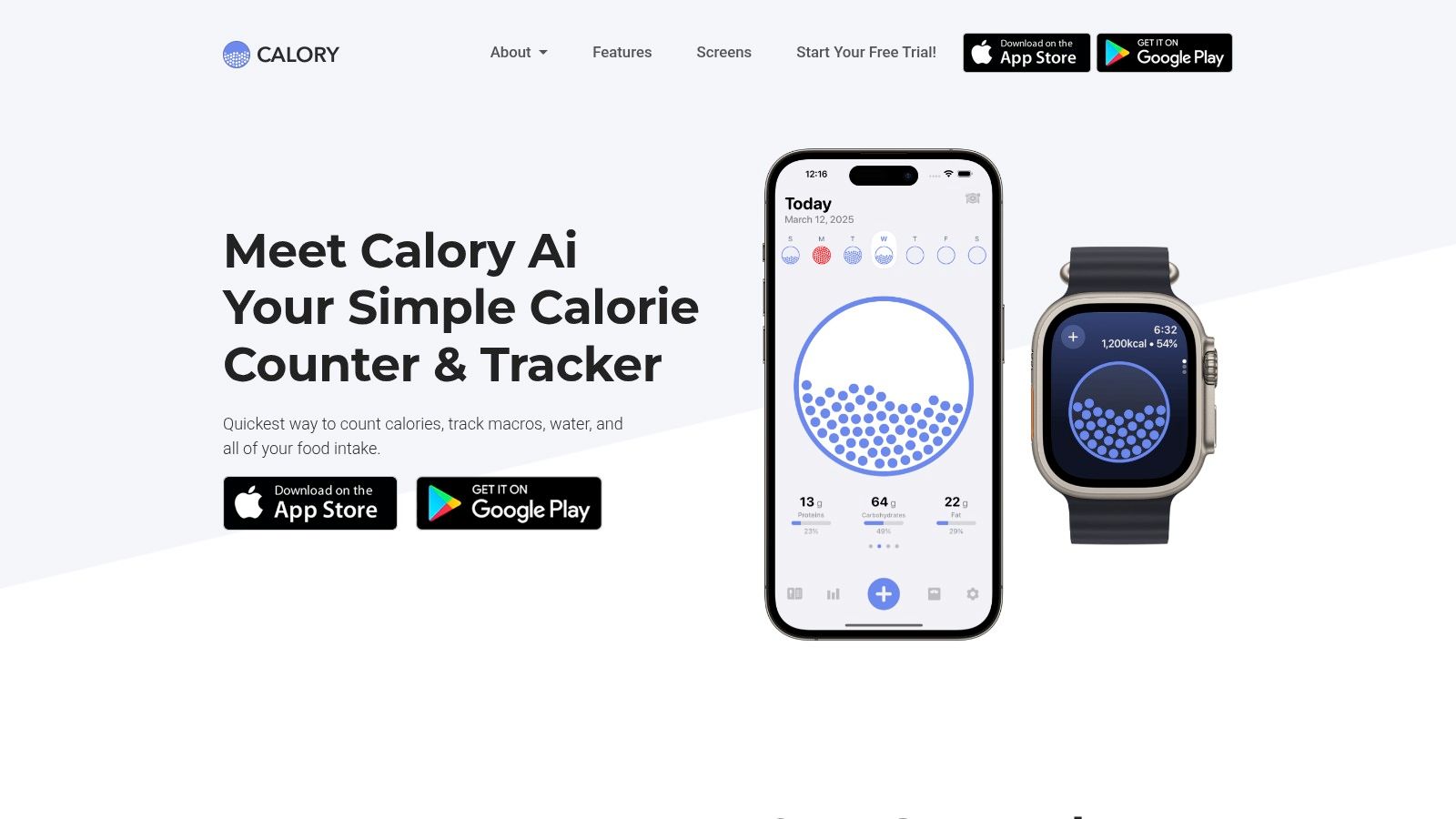
Its one-tap quick-logging feature and straightforward macro tracking remove the typical friction associated with food diaries. By integrating with Apple Health, it helps create a more complete picture of your wellness data. For users new to tracking, the visual feedback is a great motivator. Scientific evidence supports that even simple calorie tracking can significantly improve weight management outcomes by increasing awareness of energy intake.
Key Details & User Experience
- Best For: Beginners and busy professionals on iOS who want a visually simple, no-fuss calorie and macro tracker.
- Platforms: iOS, iPadOS, watchOS.
- Pricing: Free for basic calorie tracking. Calory Premium (unlocks macro tracking, recipes, AI scanner, and more) is available through various subscription tiers, typically around $39.99/year.
- Pros: Extremely easy to use with a low learning curve; excellent visual design for managing a calorie budget.
- Cons: Exclusive to Apple devices; many key features like macro tracking are locked behind the premium subscription.
Website: https://calory.app/
4. Ate (AteMate)
Ate shifts the focus from calories and macros to mindfulness and habit formation. It's a photo-first food diary designed for users who want to build awareness around their eating patterns without getting bogged down in detailed nutritional data. The core concept is to simply snap a photo of your meal, making it an exceptionally simple food journal app for anyone who finds traditional logging tedious or triggering.

The app encourages reflection by asking why you ate, creating a visual timeline of your meals and moods. This approach supports a more intuitive eating style, helping you connect your food choices with how you feel physically and emotionally. Research, such as studies published in the Journal of the Academy of Nutrition and Dietetics, suggests this type of mindful self-monitoring can be effective for behavioral change and weight management without the stress of numerical tracking.
Key Details & User Experience
- Best For: Individuals focused on mindful eating, habit change, or recovering from disordered eating patterns.
- Platforms: iOS, Android.
- Pricing: Free version with core photo-logging features. The premium subscription ($4.99/month or $49.99/year) adds AI-powered pattern insights, liquid tracking, and custom prompts.
- Pros: Extremely fast photo-based logging, promotes a healthy relationship with food, and reduces tracking fatigue.
- Cons: Not a calorie or macro tracker by default; advanced insights require a paid subscription.
Website: https://youate.com/
5. See How You Eat (SHYE)
See How You Eat (SHYE) pivots away from numbers and analytics, offering an ultra-simple photo food diary. Its core concept is to help you build awareness and mindfulness around your eating habits by creating a visual record of your meals. This makes it an excellent simple food journal app for individuals who find traditional calorie counting triggering or overly complex.
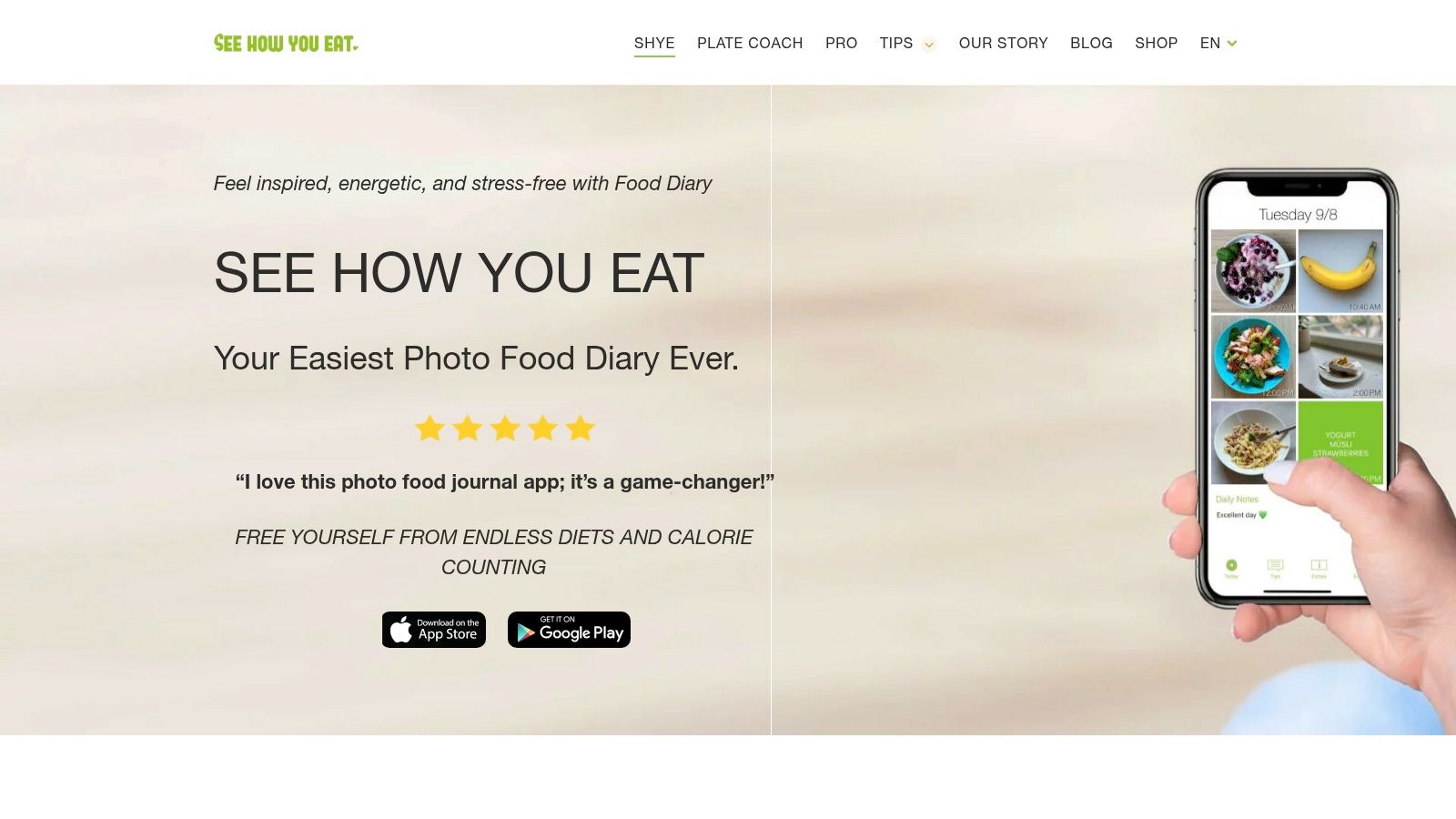
The app presents your food photos in a clean day-grid, giving you an at-a-glance overview of your consumption patterns. It's designed for simplicity and habit formation rather than deep nutritional analysis. Users can also set reminders for meals, water, and vitamins, and export their visual logs as PDFs, a popular feature for those working with nutrition coaches or dietitians who prefer a visual approach to accountability.
Key Details & User Experience
- Best For: Users practicing mindful eating or those who want to track habits visually without focusing on calories.
- Platforms: iOS, Android.
- Pricing: Free with basic features. The Premium subscription (prices vary by region, around $4.99/month) unlocks advanced features like detailed planning, expanded tracking options, and more themes.
- Pros: Extremely simple and fast photo logging; less triggering than calorie-first apps; great for building awareness.
- Cons: Lacks in-depth macro or calorie data; not suitable for users needing detailed nutritional analytics.
Website: https://seehowyoueat.com/
6. MyNetDiary
MyNetDiary is a long-standing and highly-rated calorie tracker that has evolved into a powerful, yet accessible, food journaling platform. It balances ease of use for daily logging with a deep feature set for those who want more detailed insights. The app's strength lies in its massive, verified food database and reliable barcode scanner, which significantly speeds up the process of recording meals.
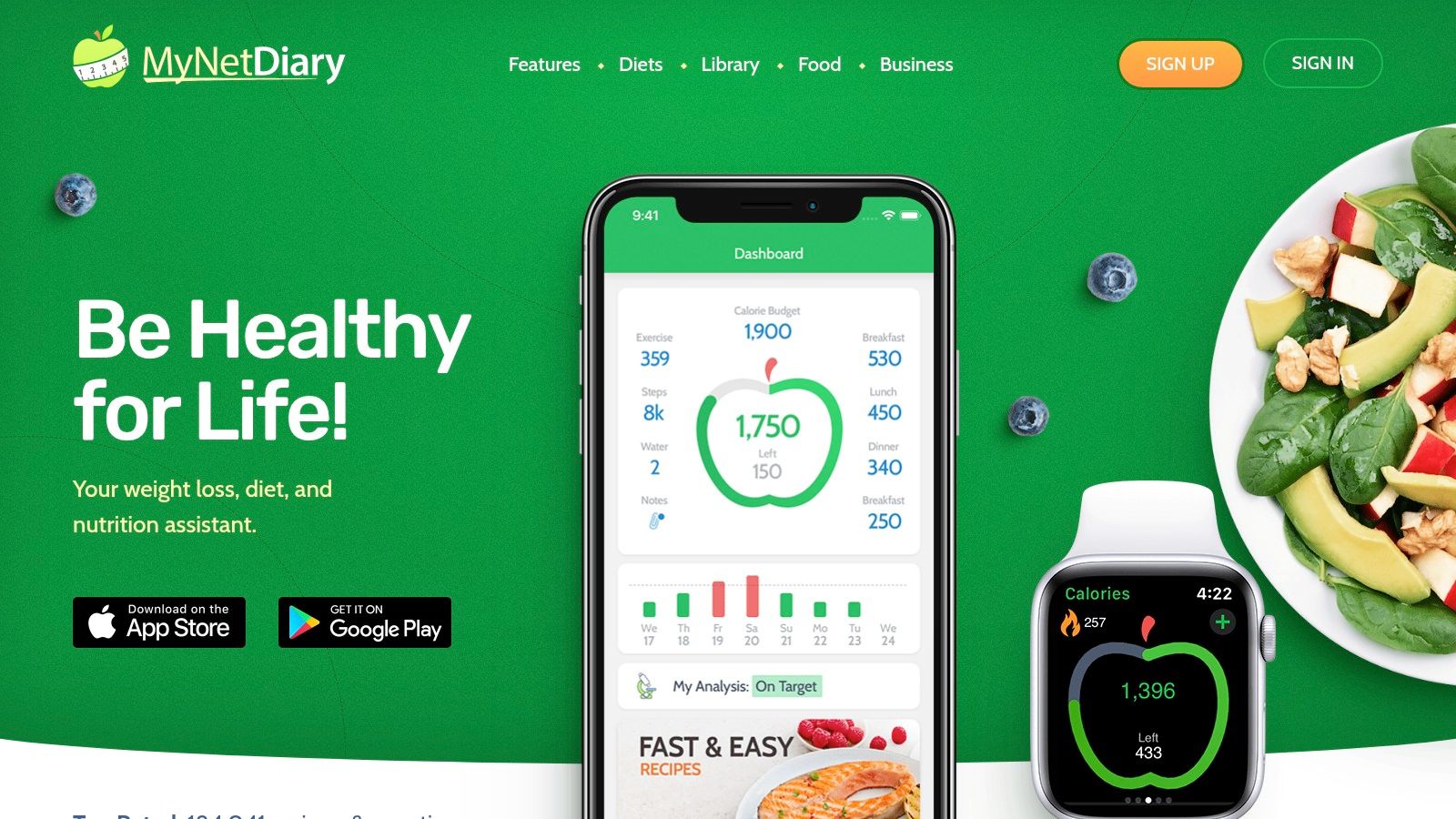
This platform is a solid choice for anyone looking for a simple food journal app that can grow with their needs. While basic logging is straightforward, premium tiers introduce advanced tools, including an AI Coach that offers personalized guidance, and a library of content on various diet plans, fitness strategies, and wellness topics, backed by their in-house dietitians. With availability across iOS, Android, and the web, it provides a consistent experience no matter which device you use.
Key Details & User Experience
- Best For: Users who want a reliable, multi-platform tracker with a proven database and the option to add advanced AI coaching.
- Platforms: iOS, Android, Web.
- Pricing: Free with core features. Premium subscriptions unlock macro tracking, detailed reports, and integrations. A Premium Plus tier adds the AI Coach. Pricing is shown in-app and can vary.
- Pros: Excellent multi-platform access with wearable integrations, large verified food database, and simple day-to-day logging.
- Cons: Many of the most powerful features require a Premium or Premium Plus subscription.
Website: https://www.mynetdiary.com/
7. Cronometer
Cronometer strikes a unique balance between a simple food journal app and a powerful nutritional analysis tool. While it offers a straightforward logging experience with a barcode scanner and custom food entries, its true strength lies in its meticulously curated and verified nutrition database. This allows users to track not just calories and macros, but up to 84 different vitamins, minerals, and compounds, making it ideal for those who want to start simply and explore deeper nutritional insights over time.
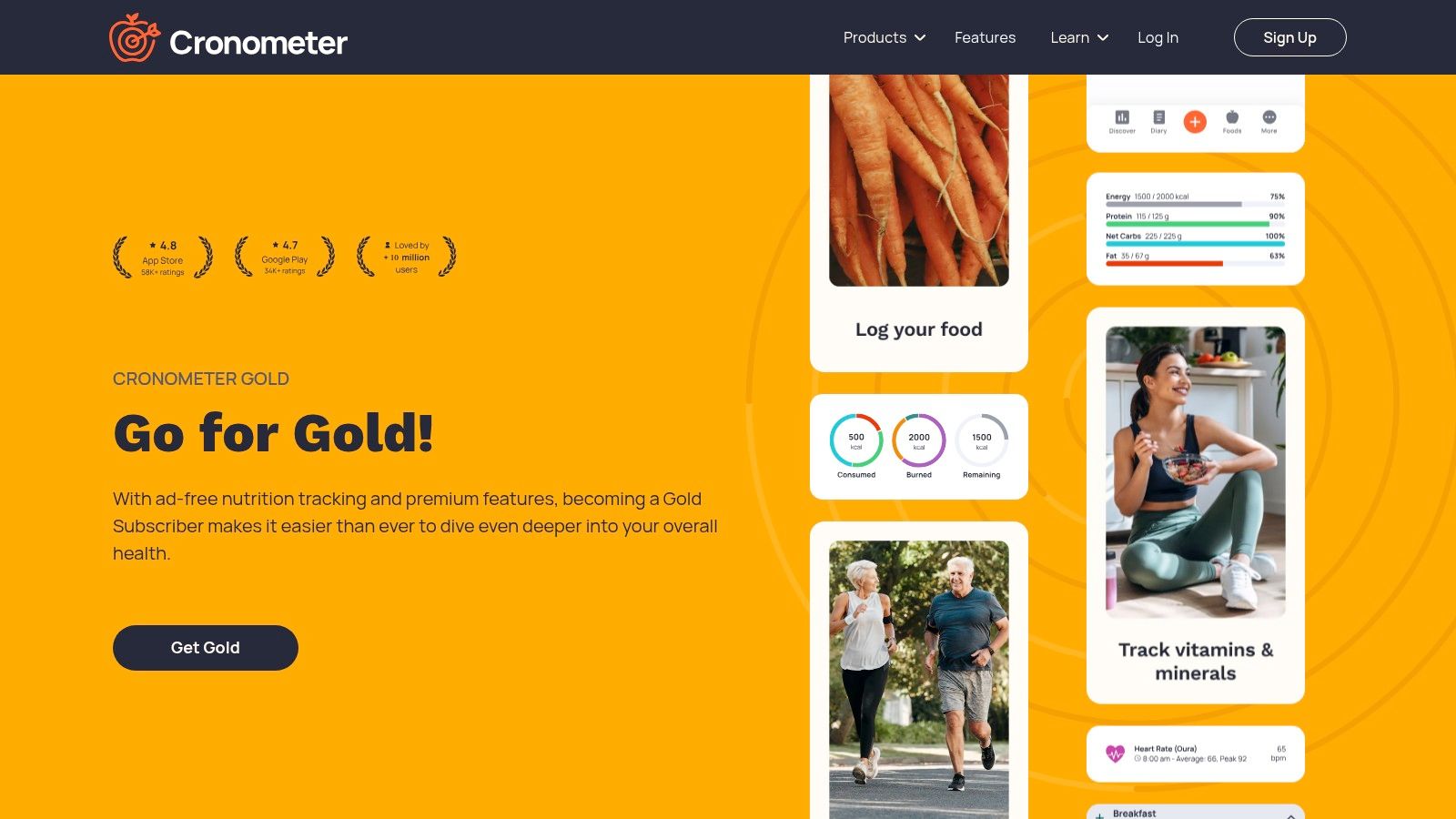
The platform is available on iOS, Android, and the web, ensuring your data is accessible anywhere. Its free version is completely ad-free, providing a focused environment. The app's blog also serves as an educational resource, offering scientific breakdowns on topics like the benefits of intermittent fasting or nutrient timing for athletic performance, transforming the app into a learning tool.
Key Details & User Experience
- Best For: Data-driven individuals who value accuracy and want the option to track micronutrients in detail.
- Platforms: iOS, Android, Web.
- Pricing: Free tier is ad-free and robust. The optional "Gold" subscription ($9.99/month or $54.99/year) adds advanced features like nutrient scores, diary groups, and advanced analysis charts.
- Pros: Highly accurate and detailed nutrition data, flexible for both simple and in-depth tracking, and a great ad-free experience.
- Cons: The sheer amount of data can be overwhelming for users who only want basic calorie counting; advanced features are behind a subscription.
Website: https://cronometer.com/
8. MacroFactor
MacroFactor is a science-driven food tracker that pairs a simple food journal app experience with a powerful adaptive algorithm. It’s designed for users who want intelligent guidance on their energy and macronutrient targets without the hassle of manual adjustments. The app’s standout feature is its expenditure and weight trend analysis, which automatically updates your calorie and macro goals based on your logged food and body weight changes, making it exceptionally effective for consistent progress.
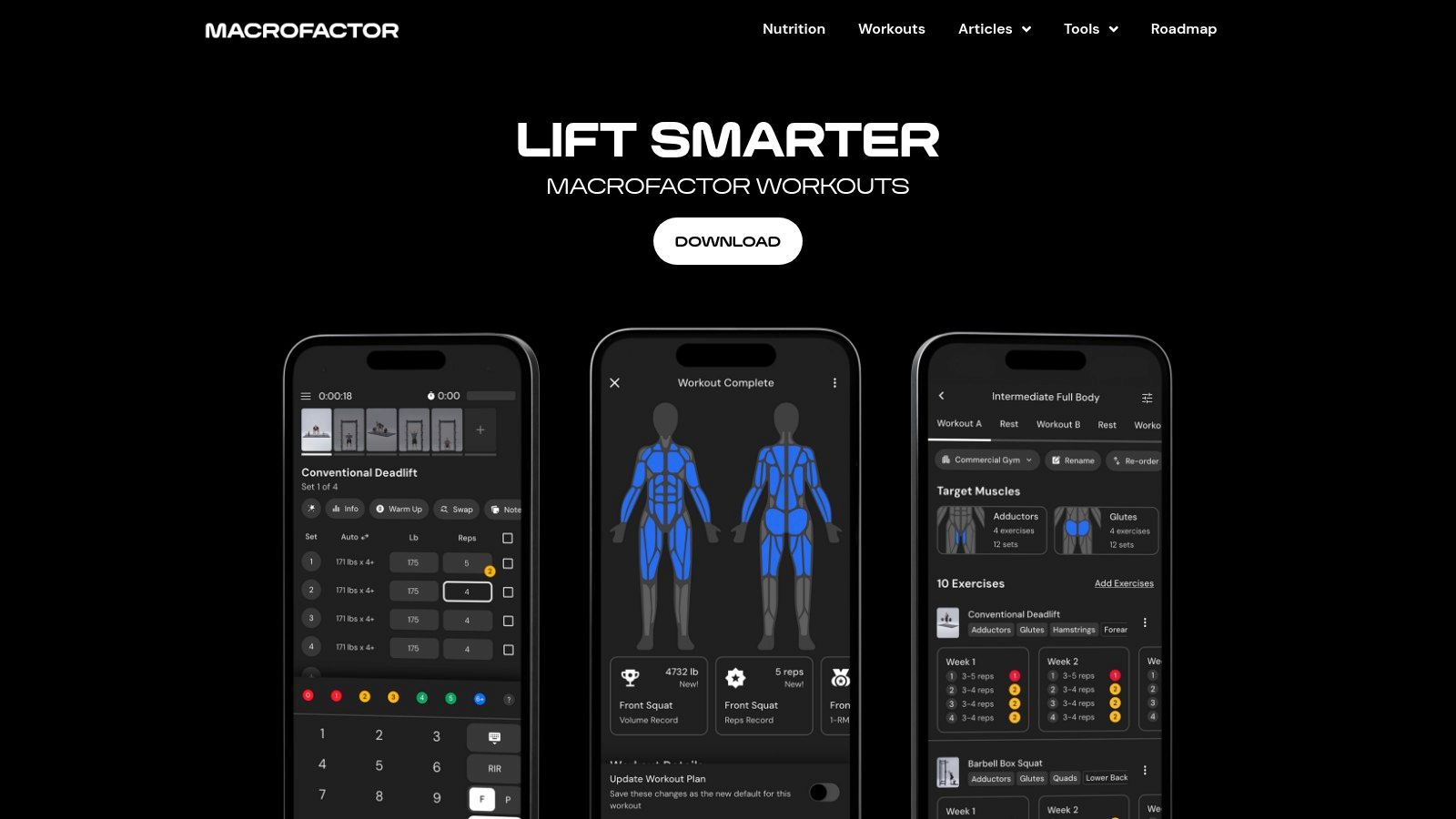
The logging process is built for speed, with a fast food search and quick-add features that minimize friction. While its core strength is in macro management, the straightforward logging flow makes it a strong contender for anyone wanting a simple yet data-rich experience. If you are new to tracking macronutrients, you can get a better understanding by using a free macro calculator to see what your starting targets might look like.
Key Details & User Experience
- Best For: Individuals who want algorithmic guidance on calorie and macro goals with a fast logging system.
- Platforms: iOS, Android.
- Pricing: Subscription-based after a free trial. Plans are $11.99/month or $71.99/year.
- Pros: Adaptive algorithm provides excellent guidance, extremely fast logging process, transparent developer communication and pricing.
- Cons: No web app is available; primarily focused on macro/weight goals, which may be more than what pure journalers need.
Website: https://macrofactor.com/
9. Lose It!
Lose It! is one of the most established and mainstream food journal apps, known for its straightforward approach to calorie and macro tracking. It offers a familiar diary layout that is easy to navigate, making it a reliable option for those who want a proven tool without a steep learning curve. The app simplifies logging with a quick-access barcode scanner and a smart camera feature that identifies foods from a photo.
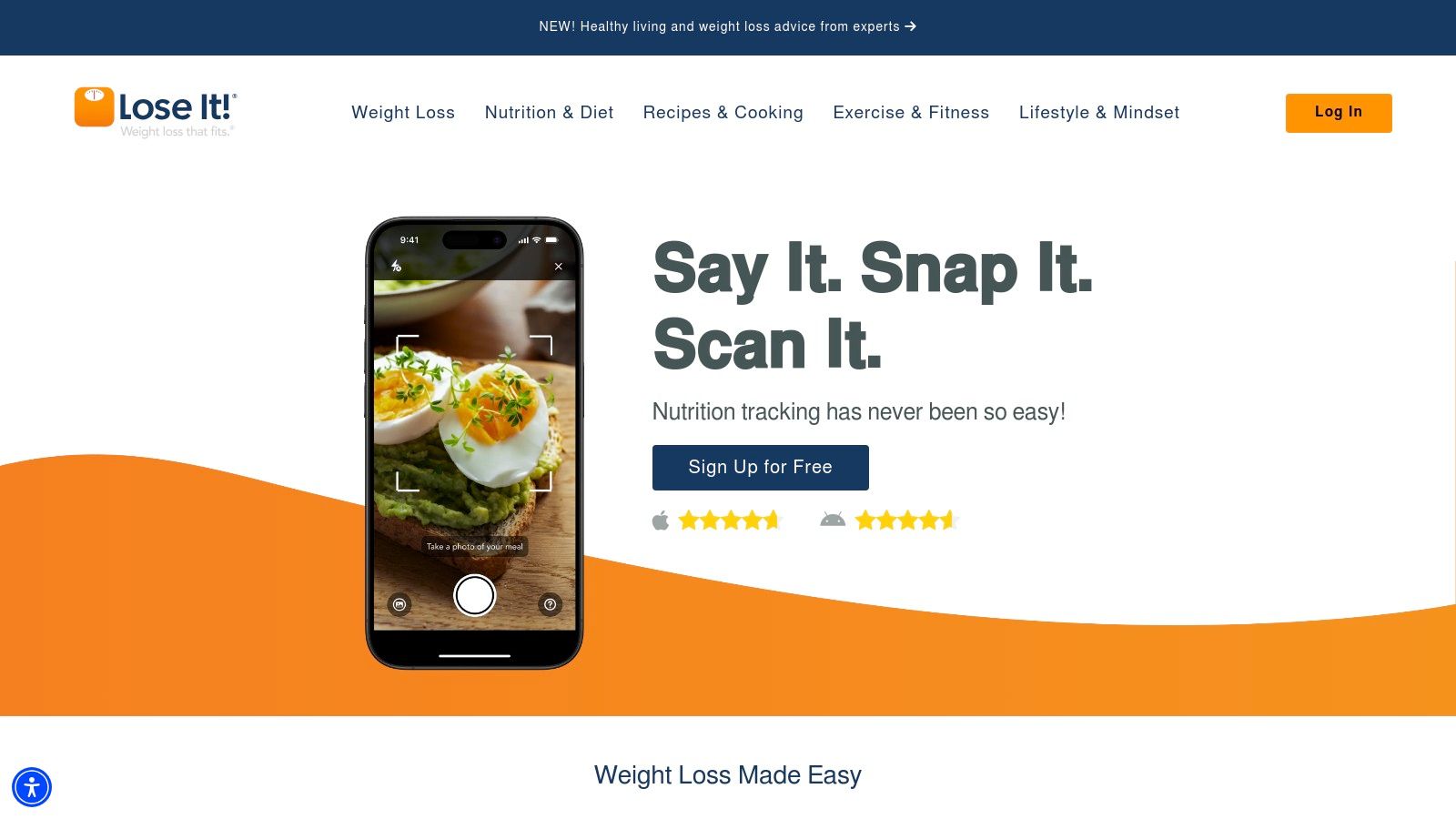
Its long-standing presence has cultivated a large user community and a massive food database, which increases the likelihood of finding what you ate. The platform also offers a blog and community forums where users can find articles and discussions on various weight loss strategies, diet effectiveness, and personal success stories, adding a layer of social support to the tracking experience.
Key Details & User Experience
- Best For: Beginners looking for an easy entry into calorie counting and users who appreciate a large community and a long-standing, reliable platform.
- Platforms: iOS, Android, Web.
- Pricing: Free with ads and basic tracking. A Premium subscription (pricing varies, often around $39.99/year) unlocks advanced features like detailed nutrient tracking, planning tools, and an ad-free experience.
- Pros: Very easy onboarding and fast logging process, large community support, and a long, successful track record.
- Cons: The free version contains ads, premium pricing can fluctuate, and some users dislike recent interface changes.
Website: https://www.loseit.com/
10. MyFitnessPal
MyFitnessPal is one of the most established names in food tracking, known for its colossal food database and wide-ranging integrations. While it offers deep nutritional analysis, its core logging function can be kept simple, making it a surprisingly effective, simple food journal app for those who want both power and convenience. The barcode scanner and voice logging features significantly speed up data entry for common items.
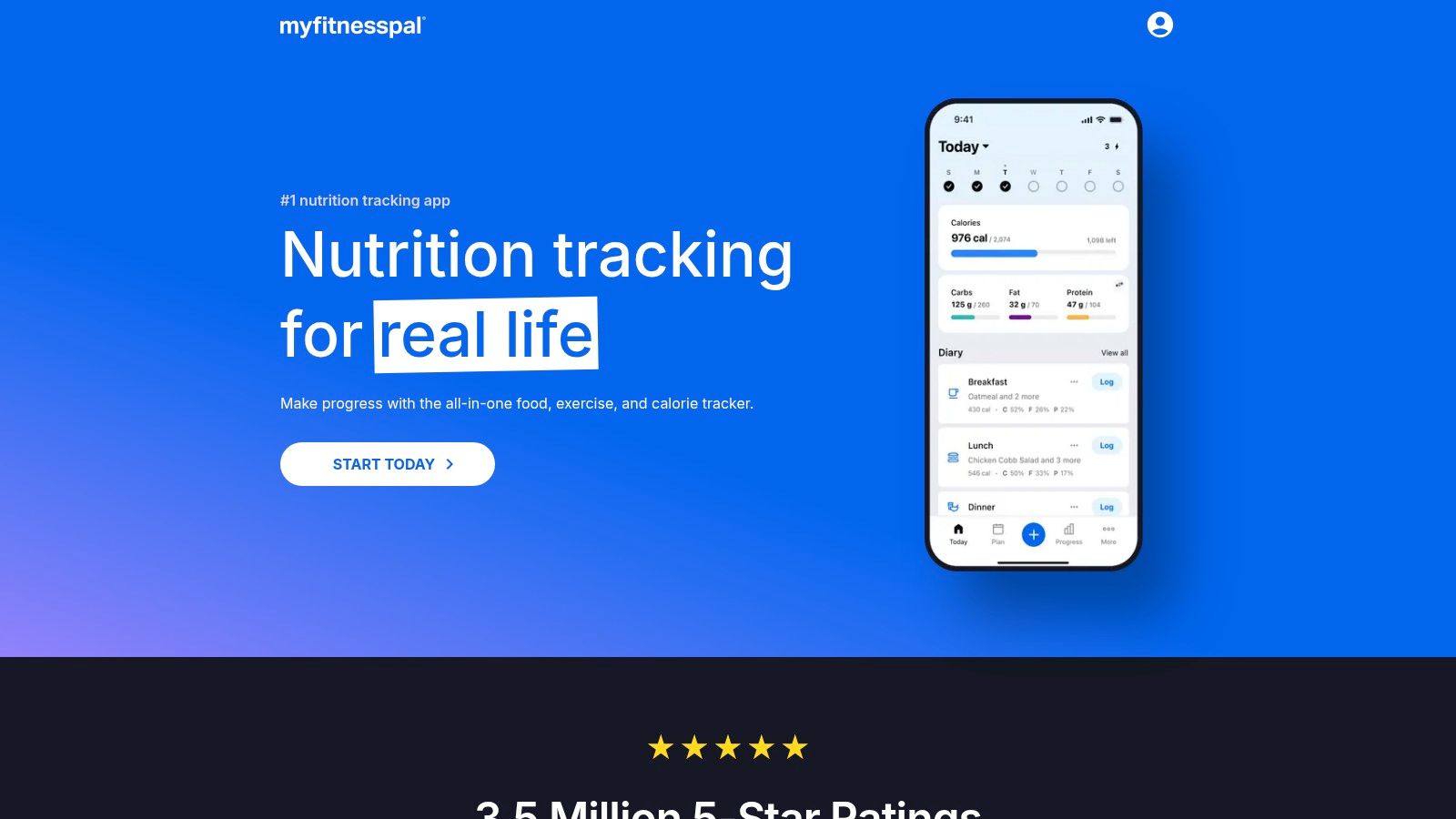
Its biggest advantage is its cross-platform availability, including a fully functional website for logging meals from a desktop. This makes it ideal for users who switch between their phone and computer. The platform features an extensive library of articles and community-driven content, discussing everything from the ketogenic diet to carb cycling, though users should vet the scientific accuracy of community posts.
Key Details & User Experience
- Best For: Users who want a massive food database and the flexibility to log on both mobile and web.
- Platforms: iOS, Android, Web.
- Pricing: Free for basic logging and tracking. Premium plans ($19.99/month or $79.99/year) unlock advanced features like meal plans, guided fitness, and ad-free use.
- Pros: Gigantic, user-verified food database; excellent barcode scanner; full-featured web version for desktop logging.
- Cons: The interface can feel cluttered with ads and features; many useful tools are locked behind the Premium paywall.
Website: https://www.myfitnesspal.com/
11. FatSecret
FatSecret has been a long-standing player in the calorie-counting world, offering a straightforward and free-first approach to food journaling. Its core strength lies in its simplicity and accessibility, providing a solid food diary with barcode scanning and community features without overwhelming the user. For those who want a reliable, no-frills simple food journal app that works across all devices, FatSecret is a dependable choice.
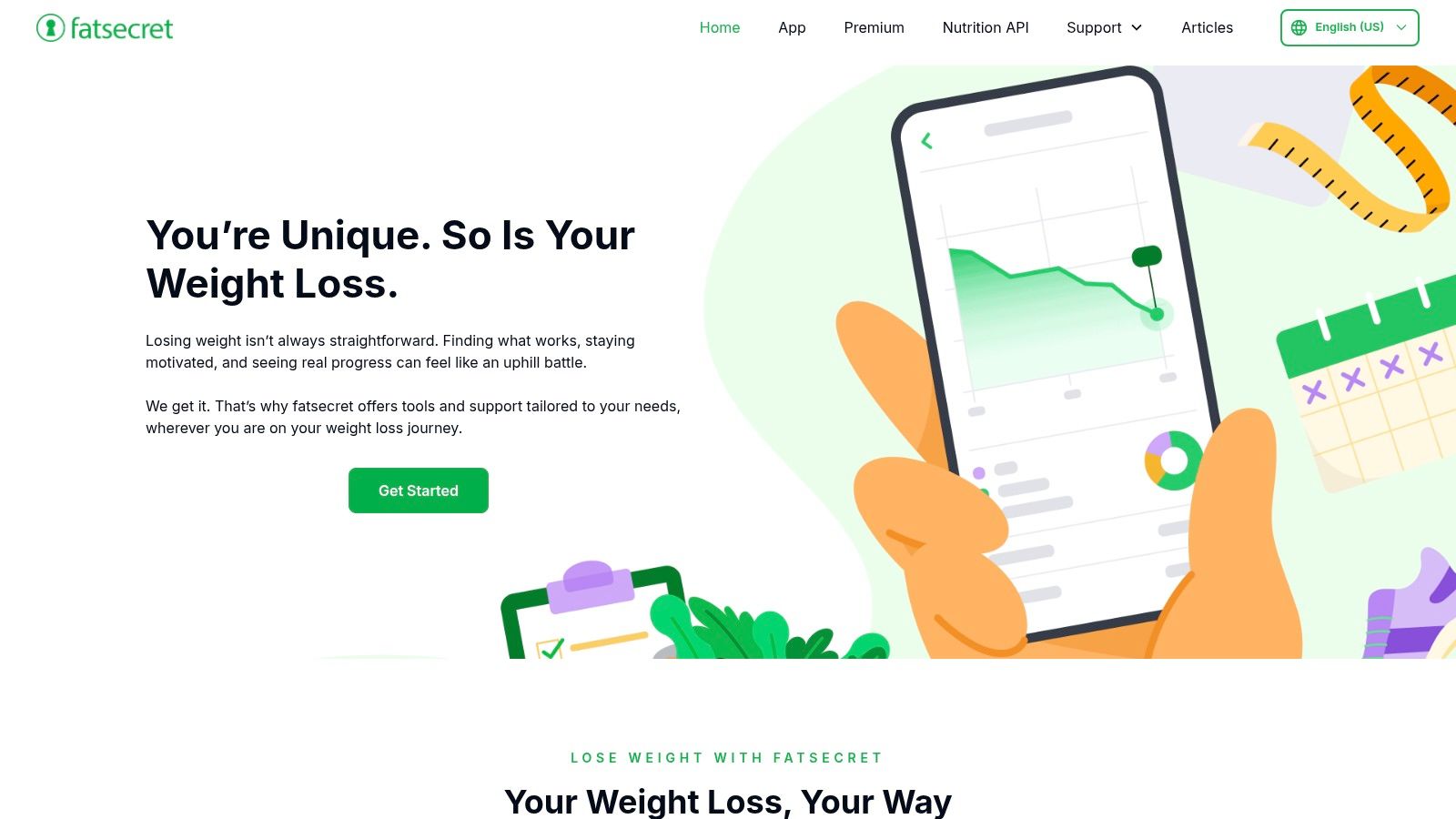
The platform’s design is functional rather than flashy, prioritizing quick entry over aesthetics. With a generous free tier and multi-platform access (iOS, Android, and web), it’s easy to log meals whether you're at your desk or on the go. The optional Premium subscription adds conveniences like a meal planner and advanced recipe analysis but keeps the core tracking experience intact for all users.
Key Details & User Experience
- Best For: Users wanting a free, multi-platform calorie counter with a strong community element.
- Platforms: iOS, Android, Web.
- Pricing: Free to use with core features. Premium is available as a subscription (pricing varies by region and is shown in-app), unlocking a meal planner, water tracker, and an ad-free experience.
- Pros: Excellent free version, available on nearly any device, and a straightforward interface for daily tracking.
- Cons: The user-generated food database can have inconsistencies; Premium pricing is not transparent on the website.
Website: https://www.fatsecret.com/
12. YAZIO
YAZIO is a popular and user-friendly calorie counter that combines fast logging with a rich library of recipes and meal plans. Its approachable interface makes it a strong contender for anyone new to food journaling, offering barcode scanning and a large food database to speed up daily entries. Where it really stands apart is its focus on guided nutrition, offering a significant library of articles and challenges related to different diets (like low-carb and high-protein), fitness goals, and general wellness.
This blend of tracking and content is perfect for users who not only want to know what they're eating but also need ideas for what to eat next. While the core calorie and macro tracking is free, the real power of its guided plans and extensive recipe collection is found in the PRO version, which also removes ads for a cleaner experience.
Key Details & User Experience
- Best For: Beginners who want a straightforward calorie counter with added meal inspiration and recipes.
- Platforms: iOS, Android.
- Pricing: Free for basic calorie and macro tracking. YAZIO PRO unlocks recipes, meal plans, and advanced tracking, with pricing varying but often around $49.99/year.
- Pros: Very approachable UI that is quick to learn, extensive library of recipes for meal ideas, and fast barcode scanning.
- Cons: The most useful features are locked behind the PRO subscription; the free version can have a noticeable amount of ads.
Website: https://www.yazio.com/
Simple Food Journal Apps: Top 12 Feature Comparison
| Product | Core features | Ease of use / UX | Privacy & data | Best for | Price / USP |
|---|---|---|---|---|---|
| BiteKit (Recommended) | Photo, voice & natural‑language logging; instant calories & macros; progress bars | Ultra-fast, modern UI; real-time daily totals | No accounts; local-only data storage; internet used for analysis | Busy professionals, fitness enthusiasts, beginners targeting macros | Free to download; privacy-first, multi-input AI logging |
| FoodNoms | AI photo/NL logging; barcode; Apple Health sync | Clean, minimal iOS UI; very fast logging | Privacy-forward; optional iCloud/FoodNoms Cloud sync | iOS users who value privacy and simplicity | iOS-only; advanced AI tools require subscription |
| Calory | One-tap logging; macro targets; simple charts | Extremely straightforward; low learning curve | Apple Health integration; app-based data handling | Users wanting fast calorie‑budget management | Free with Premium for advanced features |
| Ate (AteMate) | Photo-first diary; reminders; reflective prompts | 3-tap “shoot and log”; mindful workflow | Basic app privacy; some features paid | Mindful eaters wanting habit-building (no heavy tracking) | Photo & mindfulness focus; paid tiers for extras |
| See How You Eat (SHYE) | Photo day-grid; reminders; exportable PDFs | Ultra-simple visual diary; low friction | Basic app privacy; export for sharing | Users & coaches focused on awareness not calories | Awareness-first; no calorie counting |
| MyNetDiary | Large verified DB; barcode; AI Coach (Premium) | Robust feature set; multi-platform access | Account/cloud sync across devices | Users wanting database accuracy + guidance | Free tier; Premium/Premium Plus add AI & tools |
| Cronometer | Up to 84 nutrients; barcode; custom recipes | Flexible: simple or deep analysis | Account/cloud sync; ad-free option | Nutrition enthusiasts needing micronutrient detail | Gold subscription unlocks advanced analyses |
| MacroFactor | Fast search/favorites; adaptive macro targets | Minimal friction; algorithmic guidance | Account-based with transparent pricing | Users focused on weight/macro management | Clear subscription pricing; guidance engine |
| Lose It! | Diary, barcode, Meal Scan; challenges | Easy onboarding; familiar diary layout | Account/cloud sync; cross-device sync | Mainstream users wanting community features | Free tier + paid; community & smart camera |
| MyFitnessPal | Huge database; barcode; Meal Scan; web access | Familiar but can be complex; many integrations | Account/cloud sync; web & app logging | Users wanting large DB and integrations | Free + Premium tiers with extra tools |
| FatSecret | Diary; barcode; Smart Assistant; community | Straightforward daily tracking; multi-platform | Account/cloud sync; free-first model | Users seeking solid free tracker with community | Strong free tier; Premium adds planners |
| YAZIO | Calorie/macros; barcode; guided recipes & plans | Approachable UI; quick start | Account-based sync; typical app privacy | Beginners wanting meal plans and inspiration | Free + PRO for recipes/plans |
Choosing the Right App to Build Lasting Habits
We've explored a dozen different food journaling apps, each with its unique strengths and ideal user. From the deep nutritional analysis offered by Cronometer to the community-driven platform of FatSecret, the options are plentiful. Yet, the core challenge remains the same: finding a tool that you will actually use day in and day out. The most effective simple food journal app is not necessarily the one with the most features; it's the one that minimizes friction and integrates smoothly into your life.
The principle of consistency is supported by substantial research. A study published in the American Journal of Preventive Medicine found that adherence to a tracking plan was a primary predictor of weight loss success. This is where the newest generation of apps, particularly those incorporating AI, makes a significant difference. They directly address the single biggest obstacle to consistent logging: the time and mental energy it takes to manually input every meal.
Making Your Decision: A Practical Guide
To select the right app for your journey, move beyond feature lists and consider your personal workflow. Ask yourself these key questions:
- What is my biggest logging pain point? If you hate typing, an app with voice or photo logging like BiteKit or Ate is a strong contender. If you eat many packaged foods, a fast barcode scanner like the one in Lose It! or MyNetDiary might be your priority.
- How much detail do I truly need? For general mindfulness, a photo-based journal like See How You Eat is sufficient. For precise athletic goals, the micronutrient tracking in Cronometer or MacroFactor's adaptive algorithm is essential.
- What is my budget? Many apps offer robust free versions (MyFitnessPal, FatSecret), while others require a subscription for their best features (MacroFactor, YAZIO). Consider the value you get for the price.
Our Top Pick: BiteKit for Effortless Consistency
After reviewing the options, BiteKit emerges as our top recommendation for most people seeking a truly simple food journal app. It directly confronts the adherence problem by offering multiple, almost effortless ways to log food, including via photo, voice, and natural language text. This focus on speed and ease of use is what sets it apart from more traditional database-search apps.
While tools like MyFitnessPal have massive food libraries and MacroFactor offers exceptional coaching algorithms, BiteKit’s strength is in its foundation: getting the data in with the least possible effort. This, combined with its clean interface, commitment to user privacy, and an integrated library of scientific articles on nutrition and fitness, makes it an outstanding choice for beginners building habits and busy individuals who value efficiency. By choosing an app that makes tracking feel less like a chore, you are setting yourself up for the consistency needed to achieve lasting health and fitness results.