Easy Food Tracking App: Find the Right Tool for 2026 Health Wins
Discover the easy food tracking app that fits your goals - compare features, daily use, and data insights for sustainable health in 2026.

If you’ve ever tried to track your food, you already know the story. It starts with good intentions and ends in frustration. The whole process of measuring ingredients, scrolling through databases, and manually logging every bite just becomes a chore. It’s no wonder most people give up. But a new wave of easy food tracking apps is finally changing that, and the secret is AI.
Move Beyond Tedious Calorie Counting
Let's be real for a second. The reason most of us fall off the food-tracking wagon has nothing to do with willpower. It’s the sheer drudgery of it all. Traditional apps turn every meal into a data-entry project.
Who has the time to weigh their chicken breast down to the gram or scroll through fifty different kinds of "apple" to find the right one? It feels less like a path to better health and more like doing your taxes. That friction is exactly why consistency feels out of reach.
The good news? Technology has finally caught up. Modern apps are designed specifically to kill those pain points, shifting the focus from manual labor to effortless habits. The app starts working for you, not the other way around.
The Problem With Old-School Logging
Traditional food tracking just isn't built for the chaos of real life. It demands a level of time and precision that most of us simply don't have. After years of working with clients and trying these apps myself, the same complaints always surface:
- It’s incredibly time-consuming. Manually searching for every ingredient in a homemade salad can easily take five to ten minutes. That's ten separate searches just for one meal.
- The databases are a mess. Many older apps rely on user-generated entries, which are often full of errors. This means the calorie and macro counts you get are unreliable at best.
- Guessing portions is frustrating. Without a food scale, estimating portion sizes is a shot in the dark. And let’s face it, nobody is carrying a food scale to a restaurant.
This outdated process is the single biggest barrier to long-term success. People don't want another chore; they want a simple tool that fits into their life. As this diagram shows, the tedious nature of old-school tracking is a cycle that leads directly to quitting, but AI offers a way out.
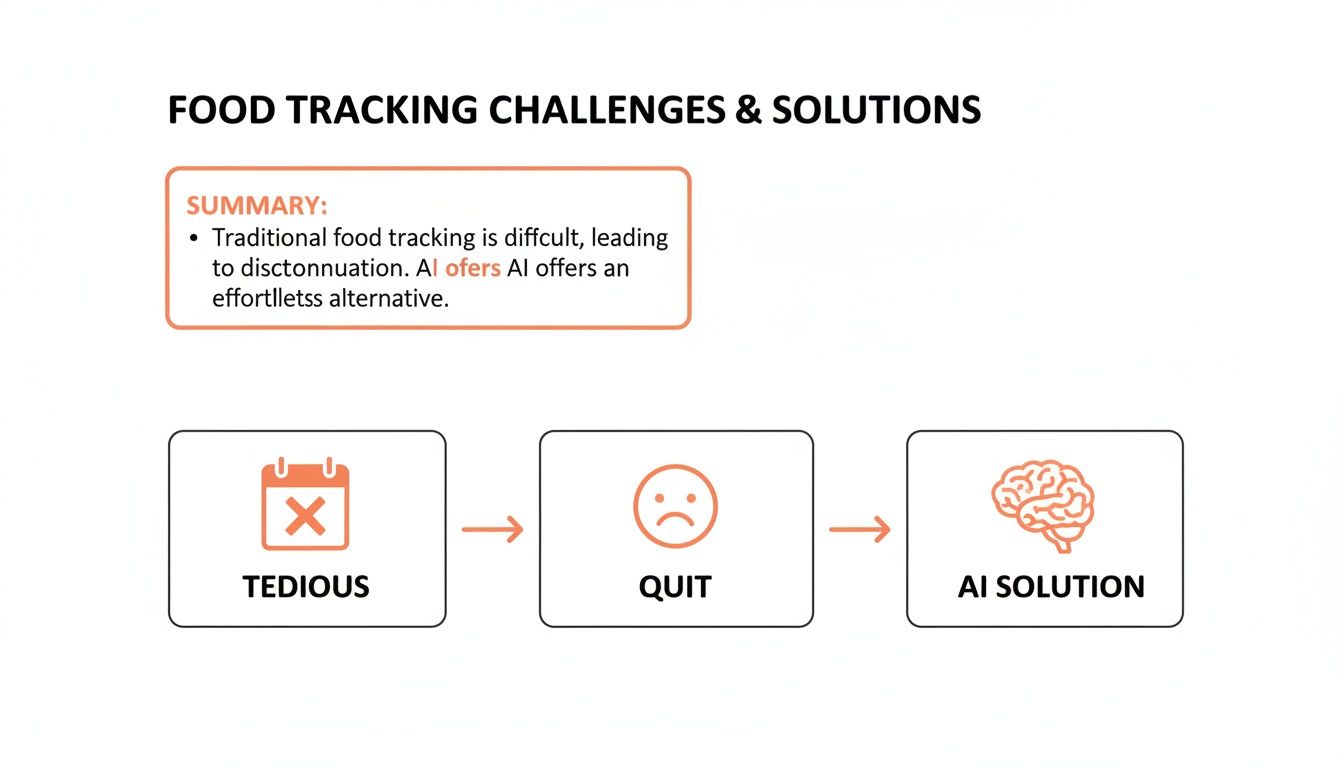
This visual really gets to the heart of a common, yet solvable, problem. If you want to dig deeper into building habits that last, check out this guide on the best way to track your food intake.
Why AI Is the Effortless Solution
The market for diet and nutrition apps is exploding for a reason—people are hungry for better tools. Projections show the industry growing from $2,452 million in 2025 to a massive $6,708.8 million by 2033. Yet, here's the kicker: a staggering 60% of users still ditch these apps because of how tedious they are.
This is the gap that smart developers are filling with AI. They’ve slashed logging time from minutes to seconds by using photo, voice, and natural text inputs.
To see just how different the experience is, here's a quick comparison.
Old vs New Food Tracking Methods
| Feature | Traditional Manual Apps | Modern AI-Powered Apps |
|---|---|---|
| Data Entry | Manual search for every item | Snap a photo, speak, or type a sentence |
| Time Per Meal | 3-10 minutes | 5-30 seconds |
| Accuracy | Relies on inconsistent databases | Uses verified data & image recognition |
| Portioning | Requires scales or manual guesstimates | AI provides instant portion estimates |
| Consistency | Difficult to maintain, feels like a chore | Effortless, easy to make a daily habit |
The table really says it all. The old way creates friction, while the new way removes it entirely, making it finally possible to stick with your goals.
An easy food tracking app uses AI to understand what you ate from a quick photo or a simple voice note. This turns a five-minute task into a five-second habit. That's a game-changer for anyone who has struggled to stay consistent.
Identify the Features That Actually Save You Time
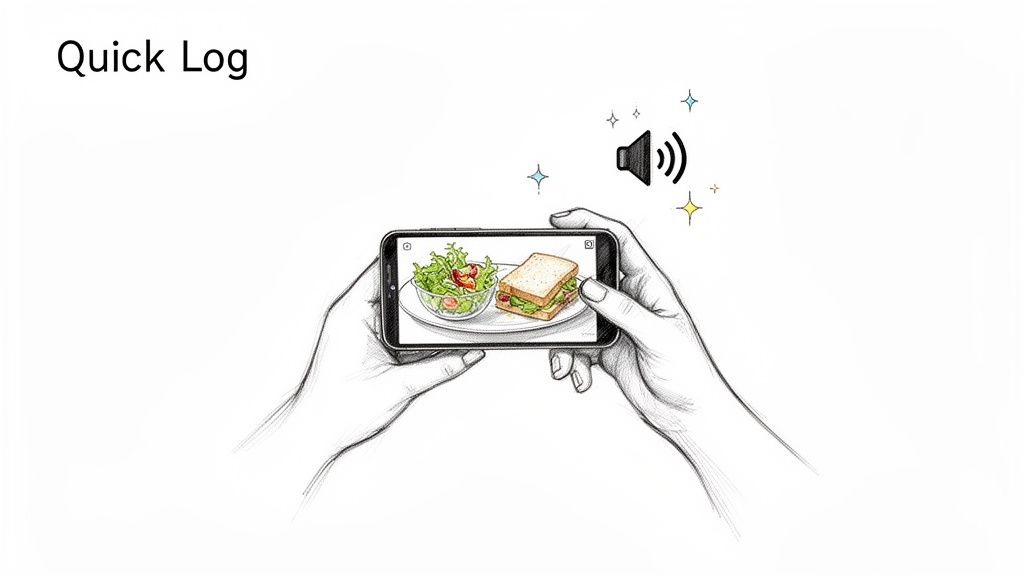
So, what makes an app actually easy to use? It’s not just about a pretty design. A truly easy food tracking app gets out of your way and makes logging feel effortless. The real game-changers are the features that fundamentally slash the time it takes to track a meal.
Instead of getting bogged down in searching databases and manually entering every little thing, the best apps let you log food in whatever way is most convenient for you at that moment.
Logging That Fits Your Life
The single biggest time-saver is being able to log your meals without constantly typing. I've found that the apps that stick are the ones that adapt to real-world situations, not the other way around.
- Photo Logging: Just snap a picture of your plate. The app’s AI analyzes the image and identifies the food for you. This is a lifesaver for complex homemade meals or restaurant dishes where you don't know every ingredient.
- Voice Logging: Simply say what you ate. Being able to log with a command like, “I had a chicken salad for lunch” while you’re driving or in the middle of cooking is far more practical than stopping everything to type.
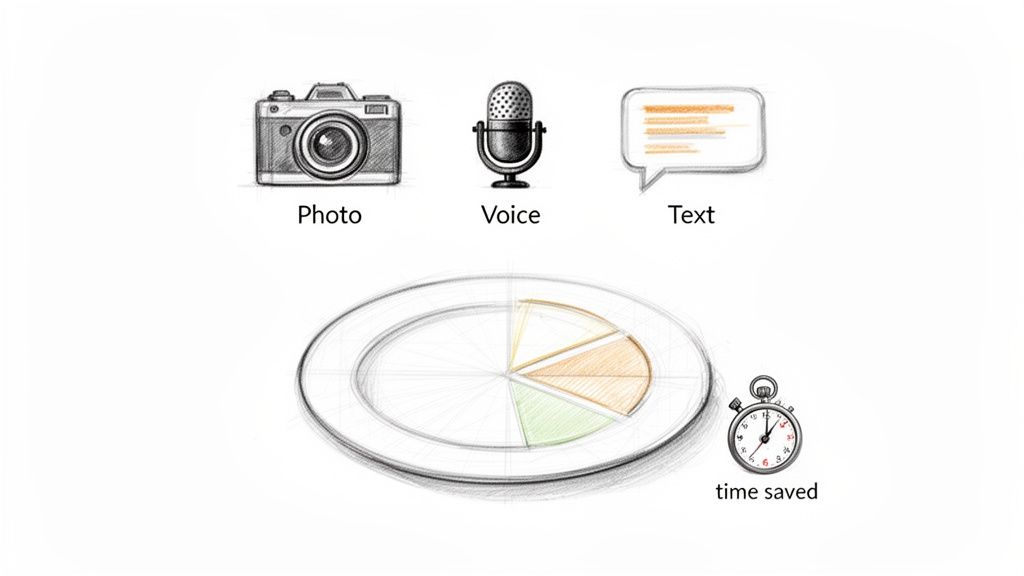
- Natural Language Text: Instead of searching for "oatmeal," then "blueberries," then "peanut butter," you can just type a single sentence like, "a bowl of oatmeal with blueberries and a spoon of peanut butter." The app does the work of breaking it down and logging each item.
This kind of flexibility means you can log an entire meal in just a few seconds, no matter what you're doing. It’s this demand for speed and convenience that's fueling the AI nutrition market, which is projected to hit $2.45 billion by 2030. Apps like BiteKit are at the forefront, turning a quick photo or a simple voice command like '200g chicken and two apples' into instant nutritional data. You can dive deeper into this trend by reading the full research on AI-driven meal planning apps.
Ditching the Food Scale with AI
Let’s be honest—weighing every single gram of food is a chore. For most of us, it’s just not sustainable. This is where AI-powered portion estimation completely changes the game.
Newer apps can analyze your food photos to intelligently estimate the weight and volume of what’s on your plate. It can tell the difference between one cup of rice and one-and-a-half cups, freeing you from the tedious task of measuring everything.
While a food scale is great for ultimate precision, AI portion estimation provides a "good enough" measurement that is perfect for daily tracking consistency. The goal is to build a sustainable habit, not achieve laboratory-grade accuracy with every meal.
Prioritizing Privacy and Control
Finally, an easy-to-use app should also give you complete peace of mind. Your health data is personal, and you should be the one who controls it.
Look for apps that are built around local-first data storage. This simply means your food logs, weight, and health goals are saved directly on your device, not on some company’s server in the cloud. Often, these apps don't even require an account or sign-up, giving you total anonymity and control. As you weigh your options, our guide on the best free nutrition tracking apps can help you compare features while keeping privacy top of mind.
Getting Your App Dialed In for Success
An easy food tracking app is really only as good as its setup. Think of it like a new car—you wouldn't just jump in and drive without adjusting the seat and mirrors. Taking a few minutes to customize the app to your goals and lifestyle is the secret to making tracking stick for the long haul.
First things first, you need to give the app a target to aim for. Vague goals like "eat healthier" or "lose some weight" don't work because they aren't measurable. You need to plug in your daily calorie and macronutrient (protein, carbs, and fat) targets.
These numbers are your daily roadmap. Someone looking to build muscle, for instance, will have a much higher protein goal than a marathon runner who needs to prioritize carbs for fuel. Most apps have built-in calculators, but for a truly personalized plan, it's worth taking the time to calculate your daily calorie needs based on your specific body composition, activity level, and goals.
Create Your Go-To Meal Presets
This is probably the single biggest time-saver you'll find. We're all creatures of habit, so why log your go-to breakfast or post-workout shake ingredient by ingredient every single day? It’s a huge waste of time.
Instead, build a custom meal preset. Let's say your morning routine involves a smoothie. You can create a "Morning Smoothie" preset containing:
- 1 scoop of protein powder
- 1/2 cup of frozen berries
- 1 tablespoon of almond butter
- 1 cup of almond milk
Once that’s saved, you can log the entire meal with one tap. It turns a multi-step, annoying task into a two-second action, which makes all the difference on a hectic morning.
Take 15 minutes to create presets for just 5-10 of your most common meals and snacks. I've found this can cut daily logging time by more than 50%. It's the ultimate hack for consistency.
Fine-Tune Your Settings for a Better Experience
Beyond meal presets, a few other tweaks in the settings menu can dramatically improve your daily experience. These small adjustments ensure the app is working for you, not creating more friction.
Notifications: Let's be honest, most app notifications are just noise. Instead of using the generic "Time to log your meal!" prompt, get specific. If you always forget your 3 p.m. snack, set a custom reminder just for that. A targeted nudge is helpful; a constant barrage is just annoying and leads to "notification fatigue."
Privacy Controls: This is a big one and, frankly, non-negotiable. Before you log a single piece of food, dive into the privacy settings. I always recommend looking for apps that prioritize a local-first data model. This means your sensitive health data is stored securely on your device, not on some company's server in the cloud. Apps like BiteKit are built this way—many don't even require an account to use. This guarantees your data remains yours and yours alone, which gives you the peace of mind to focus on what matters: your health.
Build Consistent Habits with Real-World Workflows
Okay, so you’ve picked an app. Now for the hard part: actually using it every day. The best features in the world don't matter if logging feels like a chore. The secret isn't just knowing what the buttons do; it's building a simple, repeatable process that slots right into your life.
An easy food tracking app should bend to fit your routine, not the other way around. Let's look at how different people can make this work without turning their lives upside down.
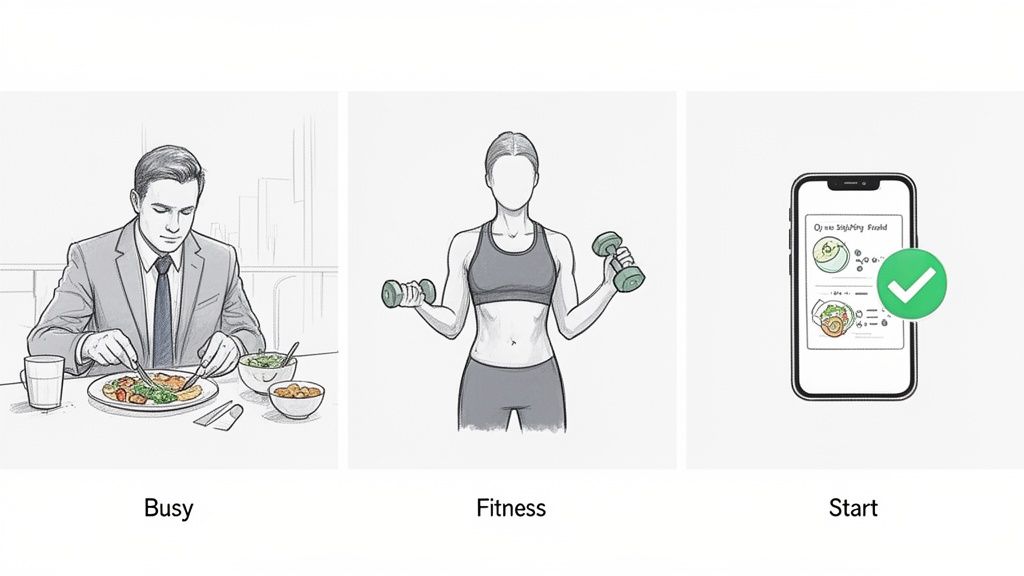
The Busy Professional Workflow
If your calendar is a constant game of Tetris, food logging has to be lightning-fast. You don't have time to weigh and measure every little thing. The goal here is speed and “good enough” accuracy.
Here’s how that might look on a typically hectic day:
- Morning Rush: Black coffee? Don't even bother logging it. But if you add a splash of cream and some sugar, a quick voice note like, "coffee with two creams and one sugar," gets it done in seconds while you're walking out the door.
- Grab-and-Go Lunch: You snagged a salad from the cafe next door. Instead of trying to guess every ingredient, just snap a photo. The app’s AI can identify the basics—greens, grilled chicken, tomatoes, dressing—and give you a surprisingly solid estimate. No manual entry needed.
- Commuting Home: You need a quick snack in the car, so you grab a protein bar. Fumbling with your phone is a no-go. Instead, use a voice command: “Log one Quest protein bar.” The app finds it and logs it for you.
This whole approach is about capturing the data with the least possible friction. It matches the logging method to the moment, making it realistic to stay consistent even when your day is anything but.
The Fitness Enthusiast Workflow
For anyone serious about fitness, food tracking is about more than just calories—it's about fuel. Hitting specific macro targets for protein, carbs, and fat is crucial for performance and recovery. This workflow is all about planning and precision.
A day in the life often involves a more proactive approach:
- Meal Prep Power: On Sunday, you cook a big batch of your lunches for the week—say, chicken breast, brown rice, and broccoli. You weigh everything once, create a custom "Weekday Chicken Lunch" meal in your app, and then log it with a single tap each day.
- Fueling for Performance: You know you need a certain amount of carbs and protein an hour before hitting the gym. You can pre-log that meal in the morning. This not only ensures you hit your pre-workout targets but also shows you exactly what macros you have left for the rest of the day.
- Nailing Post-Workout Recovery: After a tough session, accuracy is key for muscle repair. This is where you use precise text entry for something like: "250g Greek yogurt, 30g whey protein, 100g strawberries." This level of detail ensures your tracking perfectly reflects your efforts.
By planning ahead with presets and pre-logging, you turn tracking from a reactive task into a strategic tool for hitting your goals.
A huge hurdle for most people is the time it takes. Globally, 70% of adults want to eat better but say 'time' is their biggest roadblock. Yet the payoff for sticking with it is huge. Studies, including a large-scale review in Obesity, show that consistent self-monitoring is strongly linked to significant weight loss. For some apps, as many as 80% of users report improving their diets, which just goes to show that simple tools are the key to building habits that last. If you're interested in the data, you can dig into the latest market insights on nutrition tracking apps.
The "Getting Started" Workflow
If you're brand new to all of this, the thought of logging every single bite can feel completely overwhelming. So don't. The initial goal isn't perfection; it's just building a small, consistent habit.
Here’s a simple way to ease into it:
- Start with One Meal a Day: For the first week, just commit to logging breakfast. That's it. This gives you a low-stakes way to get comfortable with the app without feeling buried.
- Let the Visuals Motivate You: Pay attention to the app's progress bars and charts. There's a real sense of accomplishment in watching your protein bar fill up or seeing your calorie circle stay in the green. It’s powerful positive feedback.
- Expand When You're Ready: Once logging breakfast feels automatic, add lunch to your routine. A few weeks later, bring in dinner and snacks. This gradual ramp-up prevents burnout and makes the habit far more likely to stick for the long haul.
Turn Your Tracking Data into Actionable Insights
Logging your food is only half the battle. The real power of an easy food tracking app comes when you start using it as a feedback tool—turning a simple list of what you ate into a clear story about your habits. The goal isn't to judge yourself for what you ate yesterday, but to understand it so you can make a slightly better choice tomorrow.
This means you have to shift your focus. Stop obsessing over a single day's numbers and start looking at the trends that pop up over a week or two. Daily fluctuations in calories and macros are completely normal; it’s the weekly patterns that reveal what's really going on. Your app's charts and reports are where the magic happens.
Look for Patterns Not Perfection
Start by checking out your weekly summaries. A good app will lay this data out visually, making it easy to spot connections you might have missed. Don't get hung up on one high-calorie day. Instead, zoom out and look for the recurring themes.
Are your protein numbers always low on strength training days? Do you find yourself reaching for carbs late at night after stressful days at work? These aren't failures—they’re clues. Pinpointing these patterns is the single most important step toward making real, sustainable changes.
A quick reality check: the data you get from a tracking app is only as good as what you put in. Always assume your totals could be off by 10-20% due to things like portion estimates and database quirks. Focus on the trends and the timing of your meals, not on hitting exact numbers.
From Insight to Actionable Change
Once you've spotted a pattern, you can come up with a simple, targeted plan to address it. The trick is to make small, specific tweaks rather than trying to overhaul your entire diet overnight. Small changes are far easier to stick with, and they add up.
Here’s how you can translate common insights into concrete actions:
-
Insight: "My protein is always lowest on my workout days."
- Action: Prep a few high-protein snacks, like Greek yogurt or hard-boiled eggs, just for those days. You could also create a preset in your app for a post-workout protein shake to make logging it a one-tap process.
-
Insight: "I'm always snacking on carbs after 9 p.m."
- Action: Try shifting more of your daily carbs to dinner. A more satisfying evening meal can often curb the urge for late-night snacking.
-
Insight: "I'm under-fueling on my long bike rides and then binge-eating later."
- Action: Use your app to pre-log a specific amount of calories from easy-to-digest carbs that you'll consume during the ride. This is a great way to see nutrient timing in action and manage your energy and appetite.
Following this process turns your app from a simple diary into a personal nutrition coach. When you learn to analyze your own data, you empower yourself to make smart adjustments that line up with your goals and build habits that actually stick.
Common Questions About Food Tracking Apps
Jumping into a new food tracking app, even an easy one, naturally brings up some questions. It’s smart to be a little skeptical—how can an app really know what you're eating from a picture? Let's tackle a few of the most common concerns I hear so you can start logging with confidence.
How Accurate Is Photo Food Tracking?
This is the big one. I get asked all the time how an app can possibly figure out what’s on your plate just from a photo. It’s actually pretty clever—the app uses advanced AI that's been trained on millions of food images to recognize what you’re eating.
When you take a picture, the AI doesn't just see "chicken." It identifies the food and uses visual cues to estimate the portion size. It can tell the difference between a small handful of almonds and a full cup, or a 6-ounce chicken breast versus a smaller 4-ounce piece. It’s not going to be as surgically precise as a food scale, but the goal here is consistency, not absolute perfection. For daily tracking, it's remarkably accurate.
Do I Still Need to Weigh All My Food?
So, if the AI is that good, does that mean your food scale is officially retired? Not exactly, but its role definitely changes. You absolutely do not need to weigh everything anymore. That's the whole point of an easy tracking app.
However, a scale is still a useful tool in a few specific situations.
- When precision is non-negotiable: If you’re an athlete dialing in your macros for peak performance, or you're in the final stretch of a fat loss phase, weighing key foods is a good idea. Think protein sources and calorie-dense carbs—this ensures you hit your numbers right on the money.
- When estimation is your best friend: For most of us, most of the time, the AI's estimate is more than enough. When you're eating out, grabbing a quick snack, or have a complex meal, a photo log gives you a "good enough" entry that keeps you on track without the hassle.
Here’s how I look at it: use the scale occasionally to calibrate your own portion-size "eyeballing" skills. For everything else, let the app’s AI do the heavy lifting. This balanced approach is what makes tracking a habit that actually sticks.
Is My Health Data Safe with These Apps?
This is a huge, and completely valid, concern. Your food logs, weight, and health goals are incredibly personal. The last thing you want is that data being sold or compromised.
That's why it's so important to pick an app with a rock-solid privacy policy. I always steer people towards apps built on a local-first data storage model. This simply means all your information is stored directly on your phone, not on a company's server in the cloud.
With a local-first app like BiteKit, you often don't even need to create an account. Your data lives on your device and your device alone. This gives you complete control and anonymity, guaranteeing your personal health journey stays private.